
Cooling
Airflow Management Checklist: Blanking Panels, Grommets and Gaps
Small gaps let hot and cold air mix and waste cooling. A practical checklist of the simple fixes that improve airflow in air-cooled halls.

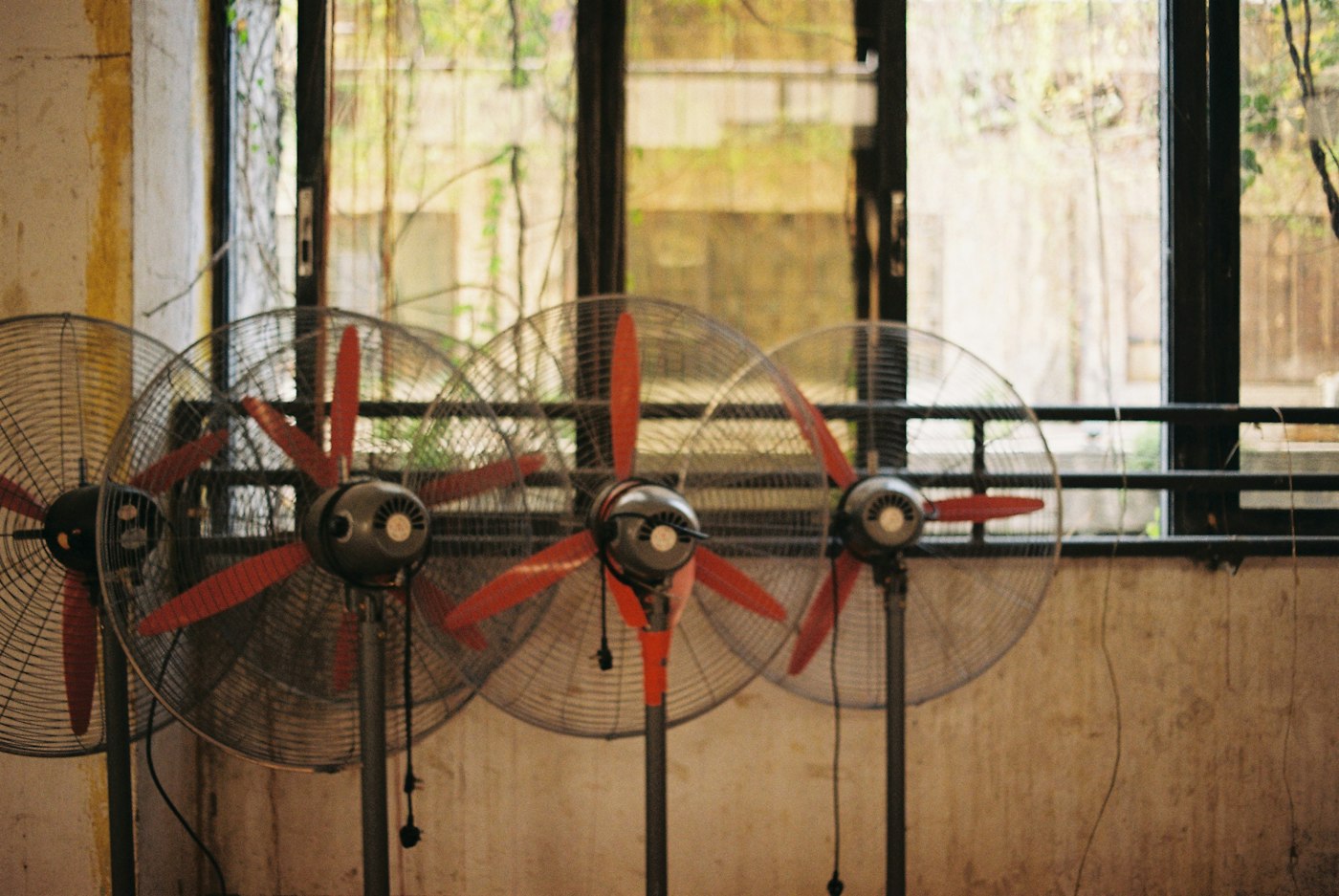
Some of the most effective cooling improvements in a data center cost very little. They involve plugging holes. Every gap that lets cool supply air bypass servers, or lets hot exhaust leak back to server inlets, wastes energy and can create hot spots. Airflow management is the practice of finding and closing those gaps. Here is a checklist of the most common measures.
Inside the rack
- Install blanking panels. Empty spaces in a rack let hot exhaust flow back to the front, where servers draw it in. Blanking panels, simple plates that cover unused rack units, block this path. They are among the cheapest and most effective fixes available.
- Seal the sides and bottom. Gaps between rack rails and side panels, or beneath the rack, can allow air to bypass equipment.
- Manage cables. Bundles of cables behind servers can obstruct exhaust airflow. Neat routing keeps exhaust paths clear.
- Match airflow direction. Most servers pull air front to back. Equipment with different airflow directions, such as some network switches, may need special ducting to fit the hot aisle and cold aisle layout.
Between and around racks
- Fill gaps between racks. Spaces between adjacent cabinets let air short-circuit around the row.
- Close row ends. Doors or panels at the ends of contained aisles prevent air from escaping.
- Fill missing racks. An empty rack position in a row creates a large hole. A blank cabinet or panel solves it.
Floors and ceilings
- Seal cable cutouts. In raised-floor rooms, openings where cables pass through tiles can leak large amounts of cool air into the wrong places. Brush grommets let cables through while blocking most airflow.
- Check perforated tile placement. Perforated tiles belong in cold aisles in front of equipment that needs air, not in hot aisles or open areas.
- Seal the underfloor space. Gaps at walls, columns and pipe penetrations can let pressurized air escape.
- Mind the ceiling. In rooms with ceiling return plenums, missing ceiling tiles or open penetrations can disrupt return airflow.
Measure, then adjust
Airflow management works best when guided by data. Temperature sensors at rack inlets show where equipment is breathing warm air. Thermal imaging can reveal hot spots and leaks. Comparing supply and return air temperatures at cooling units shows how much cool air is bypassing servers.
Once leaks are sealed, facilities can often raise supply temperatures or slow fan speeds, saving energy without risking equipment. That second step is where much of the payoff comes from. Sealing gaps alone helps, but adjusting the cooling system to match the improved airflow multiplies the benefit.
Why it still matters
Liquid cooling is growing, but most data centers still rely on air for much of their heat, and even liquid-cooled halls have air-cooled components. Good airflow practice remains one of the simplest ways to improve efficiency and reliability. It is a reminder that in data center engineering, small details often add up to large results.
Running an Airflow Audit, Step by Step
A checklist is most useful when it is applied systematically. Many teams turn it into a periodic audit, walking the hall row by row. A general approach looks like this:
- Gather baseline data. Record server inlet temperatures, cooling unit supply and return temperatures, fan speeds and any existing hot spot alarms. This lets the team measure improvement later.
- Walk the cold aisles. Look for missing blanking panels, gaps between racks, open rack positions and perforated tiles in the wrong places. Feel for warm air at server inlets.
- Walk the hot aisles. Check for cable bundles blocking exhaust, equipment mounted backward, and open paths where hot air can escape toward cold aisles.
- Check floors and ceilings. In raised-floor rooms, look for unsealed cable cutouts and missing tiles. In rooms with ceiling returns, look for missing ceiling tiles or unsealed penetrations.
- Use thermal imaging. A thermal camera can quickly reveal leaks, recirculation and hot spots that are hard to find by feel.
- Record and prioritize. List each issue with its location. Fix the biggest openings first, since a few large gaps often matter more than many small ones.
- Fix and verify. After repairs, compare new temperature readings with the baseline.
- Adjust cooling. Once airflow is improved, gradually raise supply temperatures or reduce fan speeds, watching inlet temperatures closely.
The delta-T clue
One useful indicator is the temperature difference between air returning to a cooling unit and air it supplies, often called delta-T. If returning air is barely warmer than supply air, a large share of cool air is probably bypassing servers and going straight back to the unit. Improving airflow management typically widens that difference, which signals that cool air is doing more useful work.
Building Good Habits Into Daily Operations
Airflow problems often creep back after an audit, as equipment is added, moved or removed. Simple habits help keep gains in place:
- Make blanking part of every install. Technicians installing or removing equipment replace any blanking panels in the same visit.
- Keep spares close. Stocking blanking panels, grommets and seals near the hall makes it easy to fix gaps immediately.
- Remove abandoned cables. Decommissioning work includes pulling out unused cables rather than leaving them in place.
- Keep doors closed. Containment doors propped open for convenience undo much of the benefit.
- Review changes. When new high-density equipment arrives, check whether perforated tiles, cooling settings or containment need adjustment.
- Repeat audits. A regular schedule catches problems before they become hot spots.
Common Mistakes
- Adding more cooling instead of fixing leaks. Installing extra cooling units to solve a hot spot can be far more expensive than sealing the gap causing it.
- Using the wrong materials. Cardboard or tape used as makeshift blanking can be a fire hazard and tends to fall off. Purpose-made panels are safer and last longer.
- Overlooking network gear. Switches with side-to-side or rear-to-front airflow can pull hot air if not properly ducted.
- Stopping after sealing. Without adjusting setpoints and fan speeds afterward, much of the energy benefit is never realized.
Questions readers ask
Do these measures matter in small server rooms? Yes. The same principles apply at any scale, and small rooms often have the most obvious gaps.
Is airflow management relevant in liquid-cooled halls? It is, because some heat still goes into the air, and network and storage equipment usually remain air-cooled.
What is the single best first step? For many halls, it is simply installing blanking panels in every empty rack space and sealing cable openings. Those two fixes are inexpensive, quick and often deliver the most noticeable improvement.
Latest stories
View all


Cooling
A Coolant Distribution Unit Needs Its Own Power-Loss Story
A liquid-cooled server depends on more than the fluid in its cold plate. Pumps, valves, controls and the connection to the building’s heat-removal system all influence what happens when power is interrupted. The distribution unit belongs in that account.
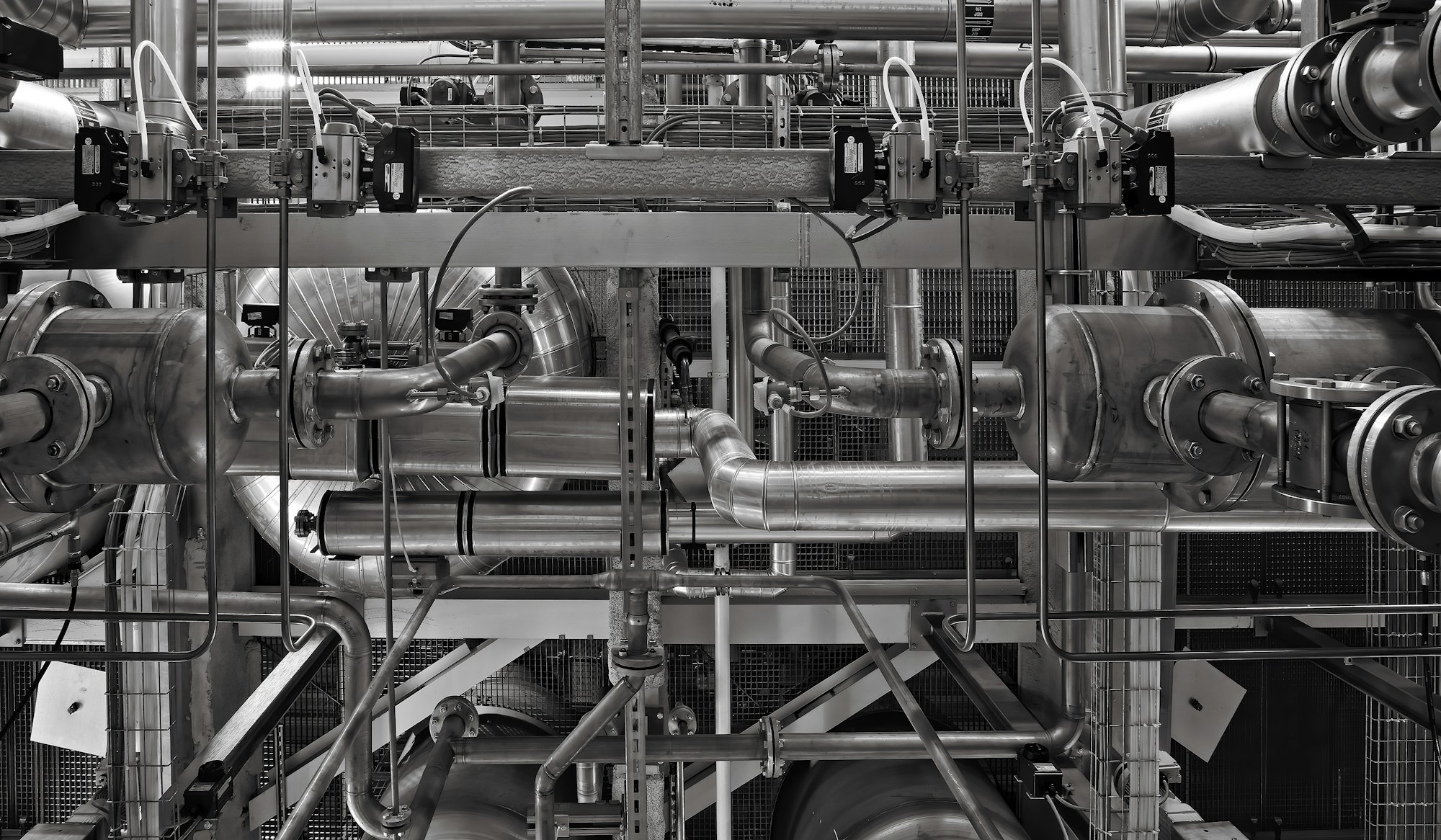
Photo: Ricardo Gomez Angel / Unsplash
A liquid-cooled server depends on more than the fluid in its cold plate. Pumps, valves, controls and the connection to the building's heat-removal system all influence what happens when power is interrupted. The distribution unit belongs in that account.
The operating distinction
A coolant distribution unit transfers heat between circuits and helps manage conditions on the equipment side. Its exact role varies by design. If circulation or control is interrupted, the server's thermal response depends on the equipment, load and supporting arrangements rather than on the word liquid alone.
The cooling account should also describe what is observed during an interruption. A pump may be energized while a required flow condition is not established. Conversely, a brief control notification may not mean that heat removal has already failed. The instrumentation and sequence matter.
A practical example
Consider a hypothetical hall where servers remain electrically supported during a short interruption. If the associated cooling equipment does not share that support, the useful operating window may be limited by heat removal. Testing should connect those systems rather than evaluate them as unrelated purchases.
Questions worth asking
A power-transfer account should keep cooling behavior within view. The server, circulation equipment and controls form a connected operating story, even when different suppliers describe or test their own components separately during acceptance.
- Which pumps and controls remain powered during a transfer event?
- What heat-removal path stays available while normal service is interrupted?
- Which integrated test demonstrates the intended equipment response?
What the evidence supports
There is no universal safe ride-through period to infer from this description. Equipment limits and site conditions differ. A credible account names the tested configuration and explains the response sequence, including what the system does when conditions approach an operating limit.
An integrated discussion can connect electrical support, coolant circulation and equipment protection without assuming a single universal design. The evidence should state what was operated and what was measured. That keeps a component supplier's valid performance description from becoming an unsupported facility-wide assurance. It also helps readers understand why electrical and cooling teams need a shared account of a transfer event rather than separate success statements.
Follow the heat path and the control path through the interruption, not only the electrical supply to the servers.
Quick check
How much did you catch? Tap a question to see the answer.
1. What else matters besides the fluid in the cold plate?
Answer: Pumps, valves, controls and the link to the building’s heat-removal system.
2. Does an energized pump guarantee flow?
Answer: No. Instrumentation and sequence matter.
3. What can limit the operating window during an outage?
Answer: Heat removal, if the cooling equipment doesn’t share the servers’ power support.
The Pieces of a Liquid Cooling Power Story
A complete account of what happens during a power interruption in a liquid-cooled hall usually involves several systems that may have been specified, purchased and tested by different teams. In general terms, the pieces include:
- The servers and their power supplies. These may be supported by uninterruptible power during a transfer event.
- The coolant distribution unit. Its pumps, valves, sensors and controller move and regulate coolant on the equipment side and exchange heat with the facility side.
- The facility water or heat-rejection system. Chillers, dry coolers, cooling towers or other equipment remove heat from the building loop.
- Controls and monitoring. Building management and equipment controllers decide how each system responds and report conditions to operators.
- Air-side cooling. Many liquid-cooled racks still reject some heat to air, so room cooling may remain part of the picture.
- Thermal mass. The volume of coolant in the loops and the heat capacity of the equipment influence how quickly temperatures change once heat removal is reduced.
Each element may have its own power support arrangement. The useful question is how they behave together in a specific design.
Structuring an Integrated Discussion
The outline below describes how electrical and mechanical teams can build a shared account. The technical detail belongs to qualified engineers and the site’s procedures.
- Describe the event. Name the interruption being considered, such as a utility loss followed by generator start, or a transfer between sources.
- List power support for each element. Identify which pumps, controllers and cooling equipment are supported, and for how long.
- Trace the sequence. Describe what each system does in order, from the first loss of normal power to the return of full cooling.
- Identify the limiting element. Determine which part of the chain sets the practical operating window for the equipment.
- Describe protective responses. State what equipment does if temperatures approach their limits, including any throttling or controlled shutdown.
- Test the integrated chain. Demonstrate the sequence in a defined configuration and record what was measured.
Common mistakes
One mistake is assuming that because servers stay powered, cooling must be adequate. Another is accepting separate component tests as proof of integrated behavior. A third is overlooking control restarts, where equipment regains power but takes time to resume its intended operating mode. A fourth is extending a test result from one load level to another without considering how a heavier load changes the thermal response.
What This Means for Readers Following AI Infrastructure
As high-density computing pushes more facilities toward liquid cooling, the conversation about resilience broadens. A reliable electrical design is necessary, but it is not the whole story. Readers looking at announcements of new liquid-cooled capacity can reasonably ask whether the provider describes an integrated test of power and cooling together. A thoughtful answer suggests that the teams responsible for each have worked from the same account.
The heat does not stop arriving when the power transfers. Something has to keep carrying it away.
Questions Readers Ask
Does liquid cooling make a hall more or less sensitive to power interruptions?
It depends on the design, the coolant volume, the load and how the supporting equipment is powered. There is no single answer for all installations.
Why would a pump be running while flow is inadequate?
A valve position, an air pocket, a control setting or a blockage can prevent the intended flow even when the pump is energized.
Who usually owns the integrated test?
Often the commissioning team working with the owner, with input from equipment suppliers and both electrical and mechanical engineers.
AI infrastructure explainers and news on iPhone, iPad and Apple Watch.
Cooling
Cold Weather Can Reach Cooling Equipment Through Small Exposed Components
Large cooling equipment tends to dominate photographs, but winter exposure can concentrate in a smaller pipe, instrument connection or idle branch. A system’s overall size does not identify its most vulnerable point when outdoor conditions change.

Photo: X F / Unsplash
Large cooling equipment tends to dominate photographs, but winter exposure can concentrate in a smaller pipe, instrument connection or idle branch. A system's overall size does not identify its most vulnerable point when outdoor conditions change.
The operating distinction
Water-containing equipment and associated controls need arrangements appropriate to their environment and design. Exposure can differ between an operating circuit and an isolated section. Insulation, protection systems and operating procedures also need inspection and maintenance; their presence on a drawing does not establish their current condition.
Seasonal checks should include changes made since the last cold period. A repaired pipe route, a relocated instrument or an altered enclosure can introduce a new exposure even when the equipment list appears unchanged. The installed state deserves a fresh comparison with its documentation.
A practical example
Picture an outdoor assembly with a protected main loop and a small branch left unused after maintenance. The branch may face a different thermal condition from the flowing circuit. A winter review should follow the actual installed arrangement, including temporary changes, rather than only the central equipment list.
Questions worth asking
The winter review should connect environmental exposure with the component's current operating state. A protective measure that exists on the original design still needs an owner and a relevant condition check after later changes.
- Which small or idle sections face a different outdoor exposure?
- Who checks the condition of installed freeze-protection measures?
- Have maintenance changes altered the original winter operating arrangement?
What the evidence supports
This is not a field instruction for changing coolant mixtures or electrical protection. Those choices depend on equipment requirements and qualified site procedures. The reporting question is whether the organization has identified exposed components and assigned responsibility for checking the protective measures.
It also helps to distinguish prevention from detection. Protective arrangements address the condition, while an alarm may only tell someone that a limit has been approached or crossed. Neither should be assumed to replace the other. A clear review names what each measure is intended to do, who verifies it and how the site recognizes a loss of protection before treating the winter arrangement as ready.
Winter readiness should follow the real system down to its exposed details, not stop at the main plant.
Quick check
How much did you catch? Tap a question to see the answer.
1. Where can winter exposure concentrate?
Answer: In a small pipe, instrument connection or idle branch.
2. Does insulation on a drawing prove its condition?
Answer: No. It needs inspection and maintenance.
3. What should seasonal checks include?
Answer: Changes made since the last cold period.
Where Small Exposures Tend to Appear
Winter reviews often concentrate on the largest pieces of equipment because they are the most visible and the most expensive. The smaller details can deserve as much attention, since they may have less thermal mass, less flow and less frequent inspection. In general terms, the places worth looking include:
- Instrument connections and sensing lines. Small-diameter tubing that feeds a gauge or transmitter may sit outside the insulated envelope of the main pipe.
- Drains, vents and test points. These are often closed and still for long periods, which can leave them exposed to outdoor conditions.
- Idle or isolated branches. Sections valved off for maintenance or future use may no longer share the flow and temperature of the operating circuit.
- Penetrations and enclosure gaps. Where a pipe passes through a wall, roof or cabinet, damaged seals or missing insulation can concentrate exposure.
- Recently repaired sections. A replacement component may not have received the same insulation or protective arrangement as the original.
- Control and heat-tracing circuits. Protective systems themselves depend on power, settings and working sensors that need confirmation.
A Seasonal Review in Practical Steps
A winter readiness review can be organized as a short sequence that follows the installed system rather than the original drawing set. The detailed technical work belongs to qualified site personnel; the outline below describes how the review is structured.
- Collect changes since the last cold season. Gather records of repairs, relocations, temporary arrangements and enclosure changes.
- Walk the installed arrangement. Compare what is physically present with the documentation, paying attention to small components and idle sections.
- Confirm the protective measures. Check that each intended protection is present, in working condition and assigned to an owner.
- Confirm detection. Verify that alarms tied to winter conditions reach the right people and that the related sensors are reporting.
- Record open items. Note anything that could not be confirmed, with an owner and a target date before the coldest part of the season.
Common mistakes
One mistake is treating last year’s review as still valid when the installed system has changed. Another is assuming that insulation shown on a drawing is intact in the field, despite weather, maintenance traffic and age. A third is relying on detection alone, so that the first sign of a problem is an alarm after protection has already been lost. A fourth is leaving temporary arrangements in place after the work that required them has finished, without anyone noting the change.
What This Means for Readers Following Infrastructure
Seasonal operating risk is one of the quieter factors behind data center reliability. Facilities in colder regions can benefit from outdoor air for cooling during much of the year, which is often discussed as an efficiency advantage. The same environment asks for careful attention to exposure in winter. A provider’s ability to describe its seasonal procedures in general terms, without revealing sensitive details, is a reasonable indicator that the topic has an owner.
The largest machine on the site is rarely the only thing the weather can reach.
This explanation is general education. It is not a field procedure, and coolant, electrical and protection choices belong to qualified specialists following the equipment requirements and site procedures.
Questions Readers Ask
Why would a small pipe be more exposed than a large one?
Smaller components generally hold less fluid and may have less flow, so they can respond to outdoor temperatures more quickly than a large, actively circulating loop.
Is an alarm enough to protect against winter damage?
An alarm tells someone that a condition is developing. It does not by itself prevent the condition, so prevention and detection are usually reviewed together.
When should a winter review take place?
Ideally before the first sustained cold period, with enough time to resolve the items it identifies.
Do temporary maintenance arrangements matter in winter?
Yes. An isolated or bypassed section may face conditions the original design did not anticipate, so temporary states deserve their own check.
AI infrastructure explainers and news on iPhone, iPad and Apple Watch.
Cooling
Cooling Alarms Need an Owner After the Day Shift Leaves
An alarm is a request for a decision, not a cooling system by itself. During an evening or holiday shift, the difference between a useful alert and background noise is often the clarity of ownership and escalation.
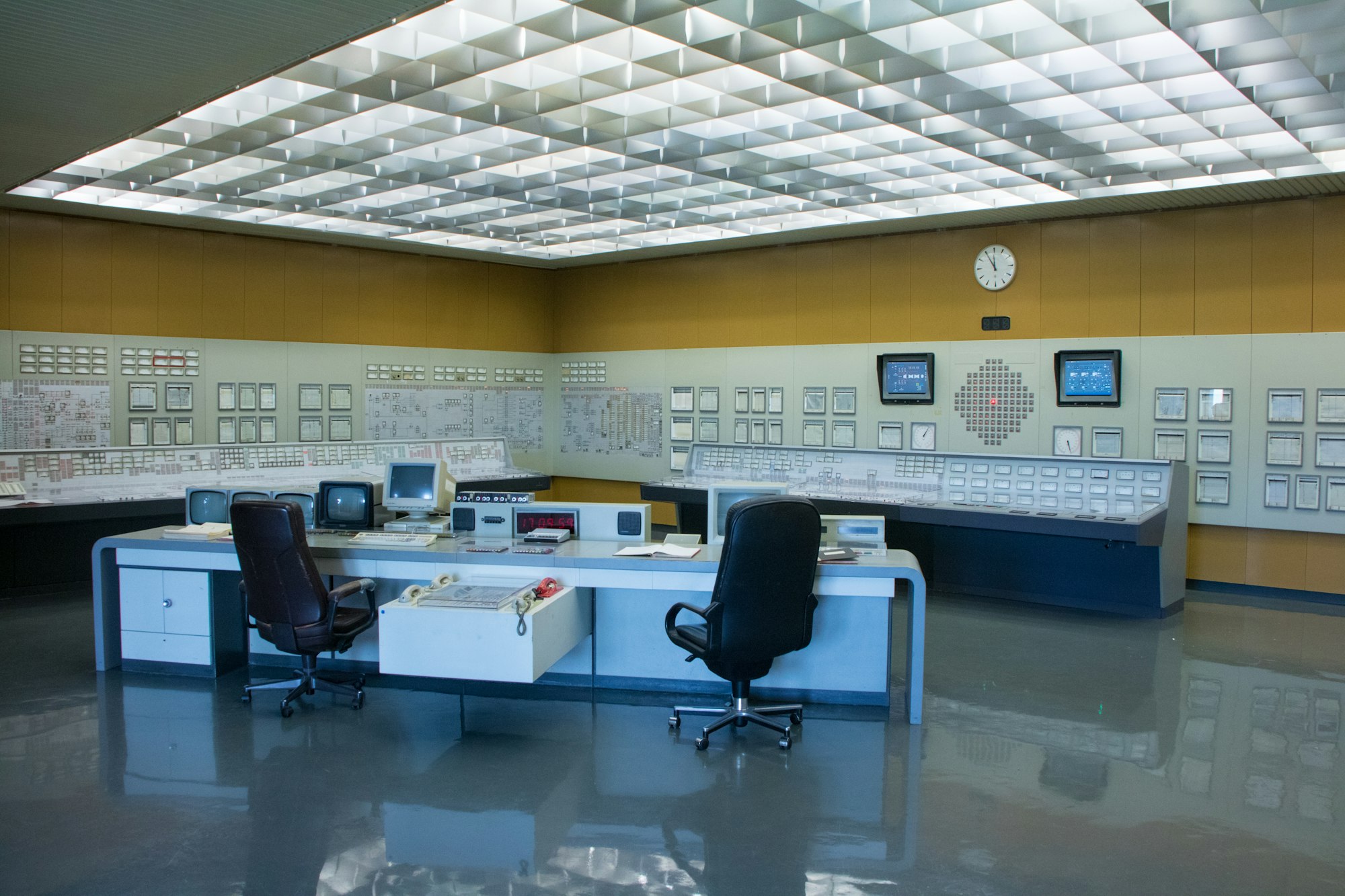
Photo: Miha Meglic / Unsplash
An alarm is a request for a decision, not a cooling system by itself. During an evening or holiday shift, the difference between a useful alert and background noise is often the clarity of ownership and escalation.
The operating distinction
Sensors can report a temperature, a leak indication, a pump state or a communication fault. Those signals do not all require the same response. A warning may permit investigation, while another condition demands immediate operational attention under the site's procedures. The person receiving it needs enough context to tell them apart.
Alert ownership should survive changes in staffing and equipment names. A clear notification can identify a meaningful location, explain the current operating mode and point to the applicable response record. That context reduces the effort needed to establish what the message refers to.
A practical example
Picture a hypothetical control room receiving a high-temperature alert from an isolated sensor. The response should connect the location, affected equipment and related readings. A message that contains only a device number forces the operator to reconstruct the system while the condition is changing.
Questions worth asking
An alert becomes actionable when its recipient can connect the message to equipment, context and responsibility. Reviewing that connection is more informative than comparing the total number of warnings generated by different systems.
- Who receives the alert when the primary contact is unavailable?
- Which related readings help distinguish a sensor issue from overheating?
- How is the response recorded for the next shift?
What the evidence supports
More alerts do not automatically improve coverage. Repeated low-value notifications can obscure a developing fault. Suppressing every noisy signal can create a different blind spot. Reviews should distinguish an equipment problem from a monitoring configuration problem, with changes controlled and recorded.
An alarm review can examine a small set of real events rather than debate the total number of sensors. Did somebody receive each notification, understand it and record the result? Were there avoidable repeats or gaps in responsibility? This makes the discussion about the operation of the response chain, while leaving the technical setpoints and equipment interventions to the site's authorized specialists and procedures.
A dependable alarm chain connects a meaningful condition to an informed person with a clear next step.
Quick check
How much did you catch? Tap a question to see the answer.
1. What is an alarm, according to the article?
Answer: A request for a decision, not a cooling system by itself.
2. What makes an alert useful after hours?
Answer: Clear ownership and escalation.
3. What context should a notification carry?
Answer: A meaningful location, the operating mode and a link to the response record.
Building an Escalation Path That Works at Night
An escalation path is easy to describe during a planning meeting and harder to rely on at the end of a long evening. The practical test is whether a person who did not write the procedure can follow it under pressure. A few design choices make that more likely.
- Name roles before names. Assign responsibility to a role such as on-shift operator or on-call mechanical lead, then map people to roles in a roster that changes with the schedule. Procedures tied to individual names go stale quickly.
- Define a response window for each level. State how long the first recipient has to acknowledge an alert before it moves to the next level. Without a stated window, an unanswered alert can sit in silence.
- Provide a working backup. Every escalation level needs a second contact who is genuinely available, not simply listed.
- Separate acknowledgment from resolution. Acknowledging an alert means someone owns it. It does not mean the condition is resolved, and the record should reflect both states.
- Test the path. Send a planned test alert during an evening shift and confirm that it reaches the right person, that the contact details work and that the response record is completed.
What a useful alert message contains
A message that can be acted on quickly usually includes the equipment or area in plain terms, the reading and its normal range, the time the condition began, any related readings, the current operating mode and a pointer to the relevant procedure. Those details let the recipient decide whether to investigate, escalate or follow an immediate response step.
Common Weak Points in After-Hours Coverage
Most failures in an alarm chain are not dramatic. They are small gaps that line up at the wrong moment.
- Stale contact information. A phone number or group address that changed during a reorganization can silently break the chain.
- Alert fatigue. When recipients see the same low-value warning repeatedly, they may learn to dismiss it, including on the night it matters.
- Ambiguous equipment labels. A device identifier that means something to the commissioning team may mean nothing to a newer operator.
- Unrecorded handovers. If the day shift was watching a developing condition, the evening shift needs to know that before the next alert arrives.
- Silent monitoring failures. A sensor that stops reporting may generate no alarm at all unless loss of communication is itself treated as an alert.
A short shift handover checklist
- Open alerts and their current owners
- Equipment in a non-standard operating mode
- Planned work scheduled during the coming shift
- Sensors or monitoring feeds known to be unreliable
- Any temporary changes to escalation contacts
Why This Matters Beyond the Control Room
For readers following data center operators and the businesses that rely on them, alarm ownership is part of what sits behind a reliability claim. A facility with excellent equipment can still have a weak response chain, and a well-organized response chain can limit the effect of an ordinary equipment fault. When a provider discusses uptime, the operating practices behind the number are as relevant as the hardware.
This is general explanation of operating practice. Specific setpoints, response steps and safety procedures belong to each site’s qualified specialists.
Questions Readers Ask
Should every alert wake someone up?
No. Alerts are usually tiered so that conditions requiring immediate attention reach a person right away, while informational warnings are reviewed during normal hours. The tiering itself should be reviewed and controlled.
How often should an escalation path be tested?
Often enough that changes in staff, contacts and tools are caught. Many teams test after any significant roster or system change as well as on a regular schedule.
What is the difference between a sensor fault and an equipment fault?
A sensor fault means the measurement is unreliable. An equipment fault means the system itself is not performing. Related readings from nearby sensors often help tell the two apart.
Who should own alarm configuration changes?
A named role with authority to approve them, with each change recorded so the next shift understands why an alert behaves differently.
AI infrastructure explainers and news on iPhone, iPad and Apple Watch.

A Coolant Distribution Unit Needs Its Own Power-Loss Story

The Control Plane Can Be a Shared Dependency Across Separate Systems

A Maintenance Window Changes the Meaning of Redundancy

Remote Support Depends on More Than a Telephone Number

Transformer Lead Times Are Becoming a Data-Center Schedule Risk

Gas Turbines on Data-Center Campuses

Water Use and Dry Coolers: The Tradeoff AI Sites Cannot Avoid

Battery Storage at AI Sites
A Coolant Distribution Unit Needs Its Own Power-Loss Story
The Control Plane Can Be a Shared Dependency Across Separate Systems
A Maintenance Window Changes the Meaning of Redundancy
Remote Support Depends on More Than a Telephone Number
-
 Power & Grid1 month ago
Transformer Lead Times Are Becoming a Data-Center Schedule Risk
-
 Power & Grid1 month ago
Gas Turbines on Data-Center Campuses
-
 Cooling2 months ago
Water Use and Dry Coolers: The Tradeoff AI Sites Cannot Avoid
-
 Power & Grid1 month ago
Battery Storage at AI Sites
-

 Compute & Silicon1 month ago
GPU Supply Chains: How AI Hardware Gets Made, Moved, and Bottlenecked
-

 Power & Grid4 weeks ago
FERC’s Large-Load Orders: The November 16 Grid Deadline Behind the AI Build-Out
-

 Capital & Backlog4 weeks ago
AI Infrastructure’s Rough Week: Chips Fall 6.7% as Meta Lifts Capex Floor
-

 Cooling4 weeks ago
Liquid-Cooling Leak Detection and Reliability